
No Sign-Up File Sharing
Four services let you upload and share a file with no account on either side: Gofile, Send Anywhere, WeTransfer and File.io. They differ less in how they work than in what happens afterwards — how big a file they take, how long the link survives, and whether the file is still there the second time someone clicks it.
The four, compared
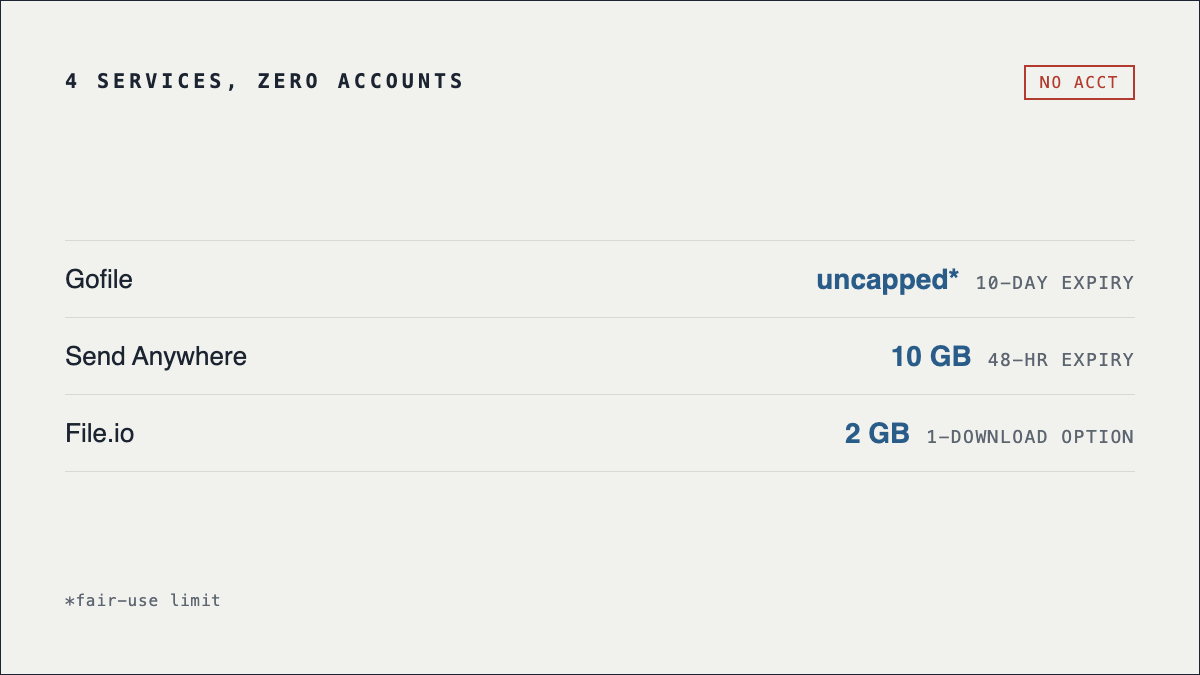
| Service | Free limit | Kept for | The catch |
|---|---|---|---|
| Send Anywhere | Unlimited, device to device | Key expires in 10 minutes | The uncapped size applies to the direct peer-to-peer mode. Link-based transfers are capped. |
| Gofile | 20 GB per file | Kept while downloaded, removed when inactive | Free downloads are throttled and every download page carries ads. Password protection is paid. |
| WeTransfer | 3 GB per transfer | 3 days | Free use is capped at 10 transfers OR 3 GB total per 30 days, whichever comes first. |
| File.io | Small files | Deleted after one download | Genuinely one-shot. If the recipient opens the link twice, the second attempt fails. |
Figures last verified 24 September 2026.
"No sign-up" is not the same as anonymous
This is the misunderstanding worth clearing up, because people reach for these services precisely when they want to leave no trace. Skipping registration means the service holds no name and no email for you. It does not mean it holds nothing.
Every one of these services still receives your IP address, still sees the file, and can still be compelled to hand over what it has. Unless the file is encrypted before you upload it, the provider can read it. None of the four offers zero-knowledge encryption on the free tier — for that you want Mega or Proton Drive, both of which require an account. No-signup buys you convenience, not privacy.
Send Anywhere's direct mode is the partial exception: in device-to-device transfers the file moves between the two machines rather than sitting on a server, which is why it has no size ceiling.
Picking between them
- Gofile — the default for anything large. 20 GB per file, no account, folders supported. In exchange you get throttled downloads and an ad-heavy download page, and password protection is a paid feature.
- Send Anywhere — best when both people are present. A six-digit key pairs the two devices and expires in about ten minutes, so it suits "send this now while we're both here" rather than "here's a link for whenever".
- WeTransfer — the most familiar and the tidiest to receive, but the tightest. 3 GB per transfer, links die after 3 days, and the free plan allows only 10 transfers or 3 GB in total per 30 days. Fine occasionally, frustrating as a habit.
- File.io — deliberately one-shot. The file is destroyed after a single download, which is excellent for something sensitive and actively bad if your recipient might open the link twice or a mail scanner fetches it first.
Frequently asked questions
Does the recipient need an account?
No. On all four, the person receiving the file just opens the link, or enters the key in Send Anywhere's case.
What is the largest file I can send without an account?
Gofile takes up to 20 GB per file. Send Anywhere has no ceiling device to device. For a walkthrough of moving something genuinely large, see how to send large files free.
How do I make sure the file disappears afterwards?
Use a service where deletion is the default rather than something you remember to do — see temporary file hosting.
Wasn't Megaupload the no-signup option?
It was, and that is why people still look for it. Megaupload was seized in January 2012 and never returned — the full history explains what happened to it and to the files on it.
megaupload.nz is an unofficial fan recreation of the pre-2012 interface and is not affiliated with Kim Dotcom, Megaupload Limited, or Mega Limited. No service listed here is affiliated with this site.